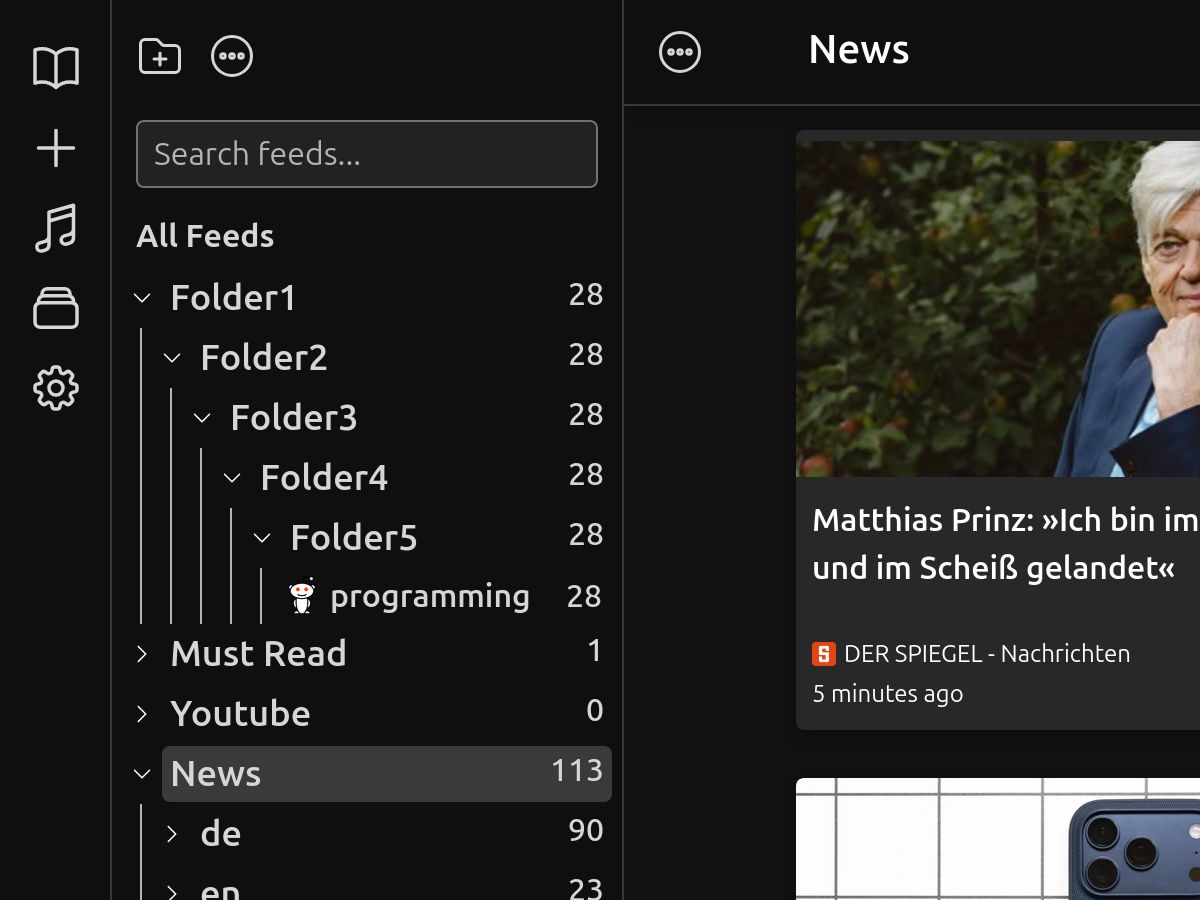
Organize feeds into folders.
Group sources by topic, project, or client so the reader stays easy to scan.
Feed reader for direct sources
Follow RSS, Atom, JSON feeds, podcasts, newsletters, and YouTube channels in one reader. Sort them into folders, scan quickly, and save what matters.
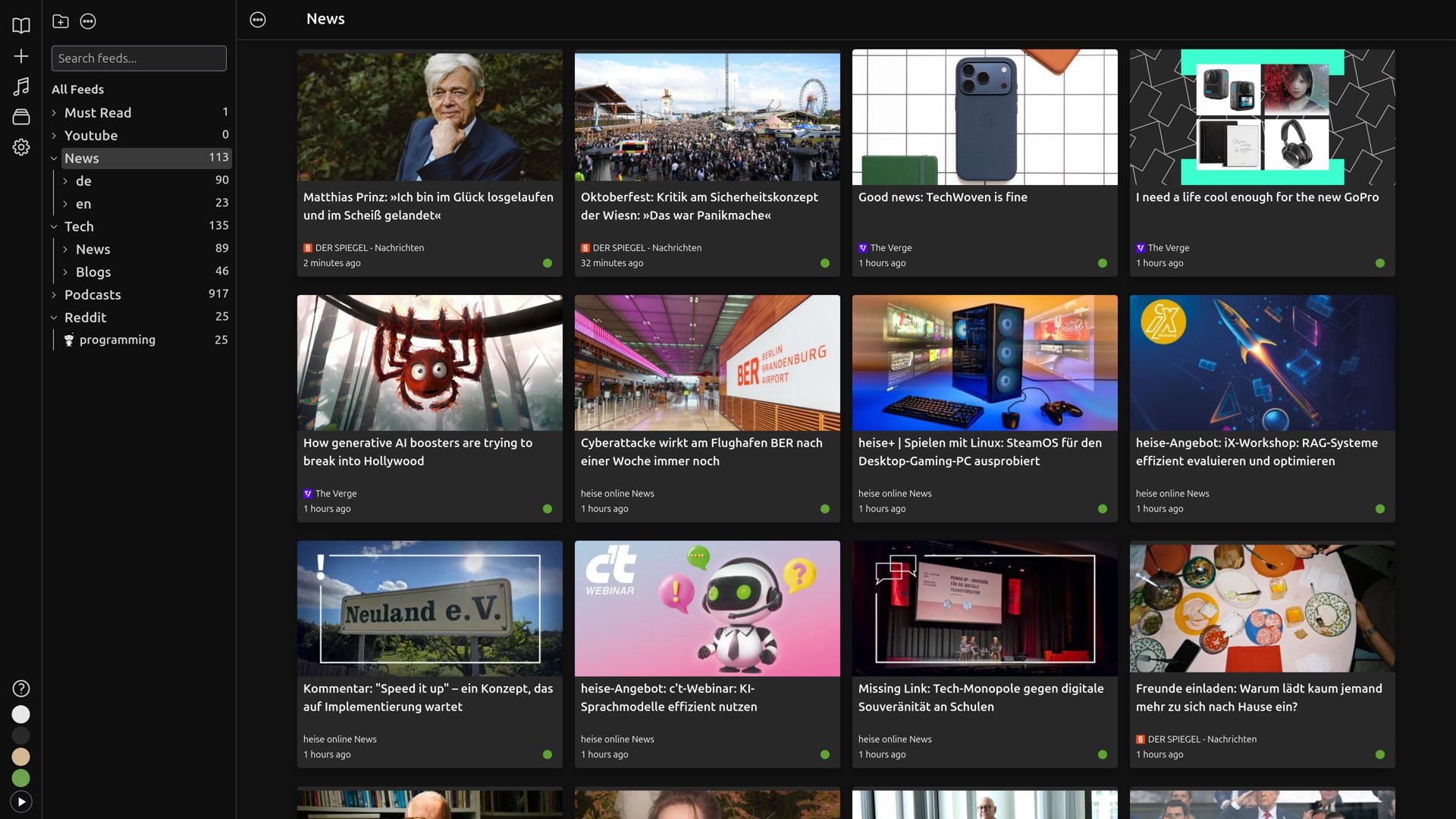
Group sources by topic, project, or client so the reader stays easy to scan.
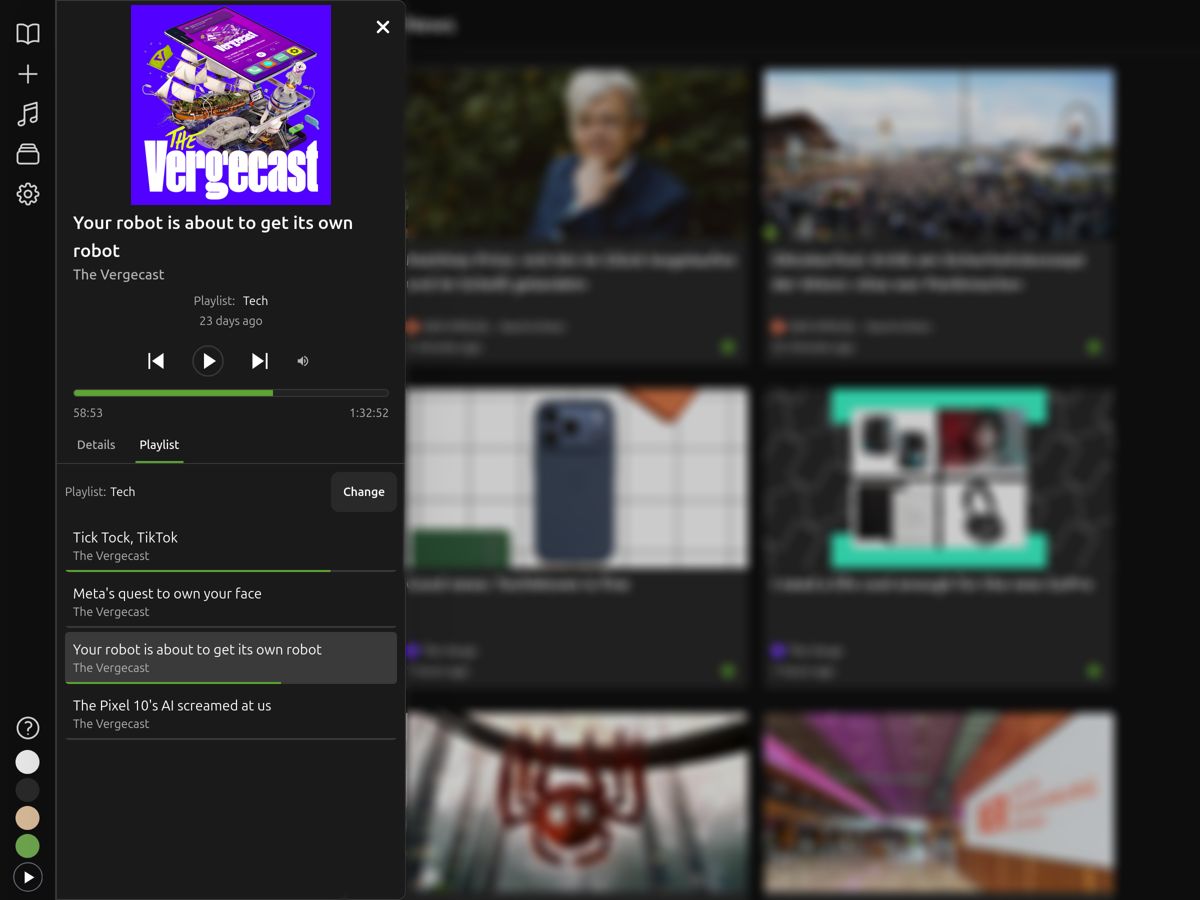
Follow podcast feeds, queue episodes, and listen without switching apps.
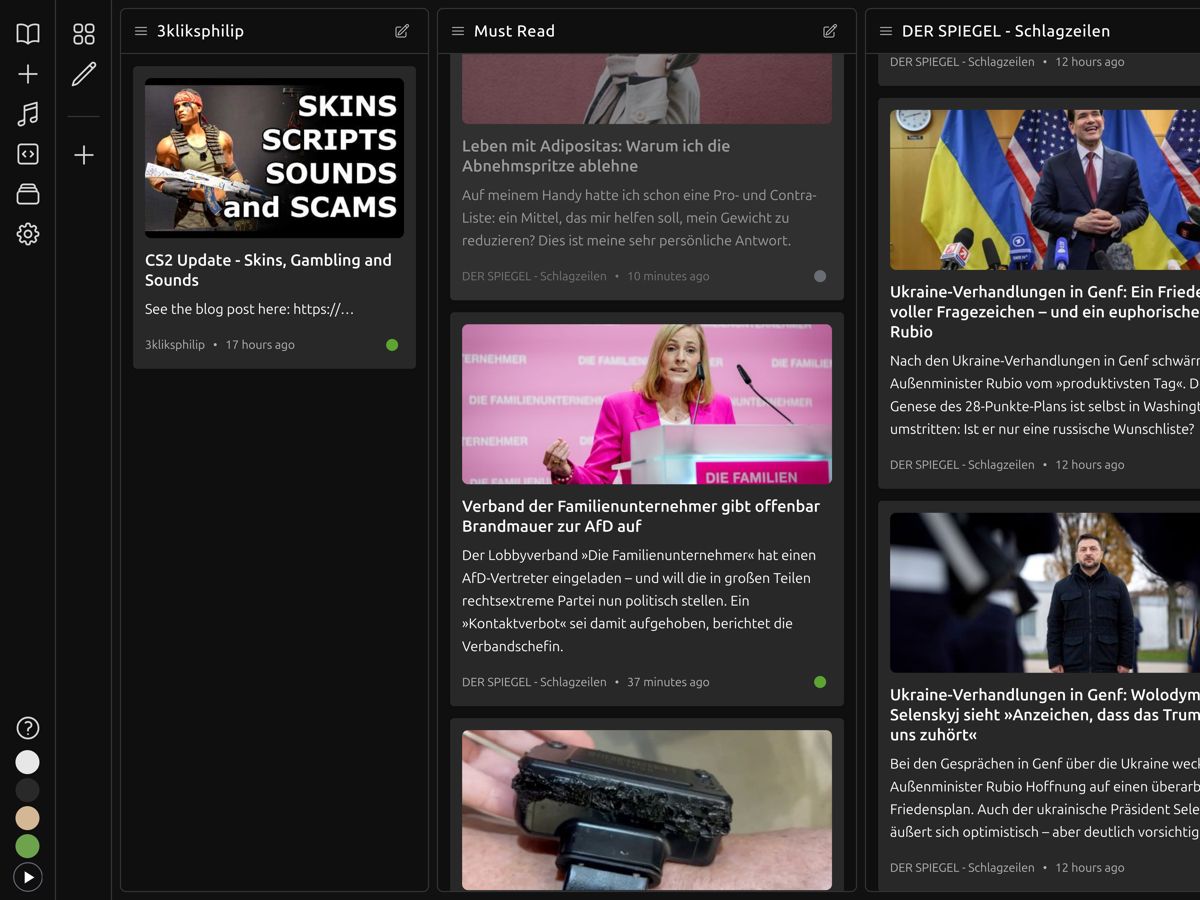
Watch several sources at once when news is moving. Scan multiple columns without constantly switching pages.
Light and dark themes that stay out of the way and keep the focus on the content.
Use list, grid, or split layouts depending on whether you are triaging, reading, or filing things away.
Use the free plan until you hit a limit. Upgrade only if you need more feeds, history, or folders.
Ivyreader is a feed reader. It pulls updates from the sites you choose and keeps them in one place, in the order they were published.
RSS is a standard way for sites to publish updates. Instead of checking every site yourself, your reader collects new posts and episodes as they are published.
Ivyreader is in beta. The main reading workflow is usable today, and parts of the product are still being refined.
You can contact us via email at support@ivyreader.com
You can follow blogs, news sites, podcasts, YouTube channels, newsletters, and other feeds that publish standard feed formats.
Yes. There is a free plan, and paid plans add higher limits for people with bigger libraries.
There is a mobile app in private beta. It is not generally available yet.
July 22, 2025
Learn how to get RSS feeds for YouTube channels and how to customize them to get feeds without shorts
July 20, 2025
Compare the best RSS readers in 2026 - free and paid - for Windows, Mac, Android, iOS, and Web, with features, pricing, and top picks.
July 18, 2025
A simple explanation of what RSS means, how it works, and why it still matters today.